Multi-CAD Machine

Portable Multi-CAD Machine

A small, battery-powered CAD computer I am building on a Raspberry Pi 5. My goal is to make 3D design faster by building the real sizes and behavior of electrical and mechanical parts right into the software.

Hardware

What it runs on

Computer
Raspberry Pi 5
Display
Waveshare 5-inch touch display
Power
Geekworm X1200 with Panasonic NCR18650B batteries
Case
Custom 3D-printed case
Build log

From a hotel notepad to a prototype

The ideaHotel notepad

Where it started
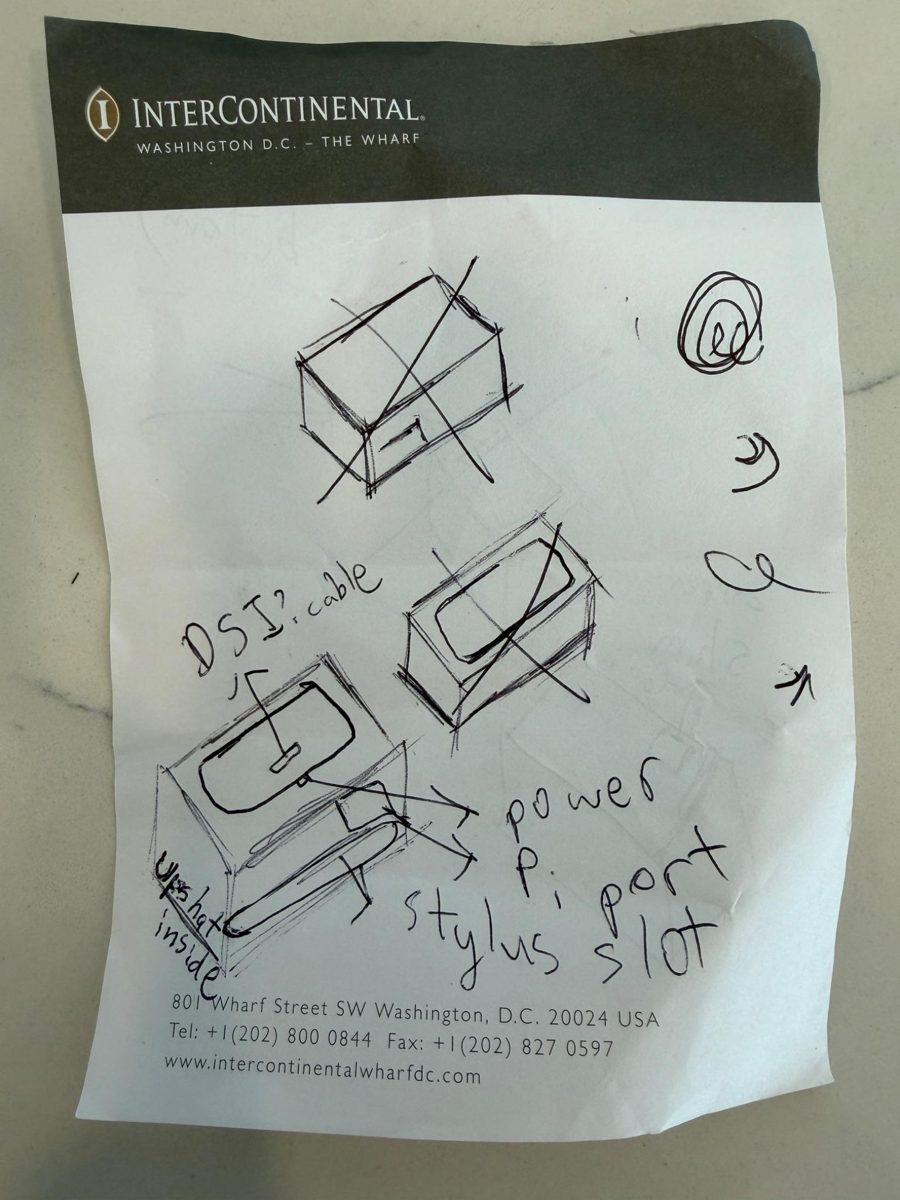
The first sketch on a hotel notepad
Hotel notepad sketch · Aug. 4, 2025

The idea came to me suddenly in Washington, D.C., during a summer vacation trip along the East Coast, and I quickly sketched it on a small hotel notepad.

It started with a question: what if CAD software could handle electrical parts too, so I could design a project’s body and its electronics in one place? Instead of paying for a membership to a ready-made program, I wanted to build my own CAD software and understand how it actually works.

My goal was a Portable Multi-CAD Machine: a small, battery-powered device that uses the real sizes and functions of electronic components to make 3D design easier.
Step 1Parts

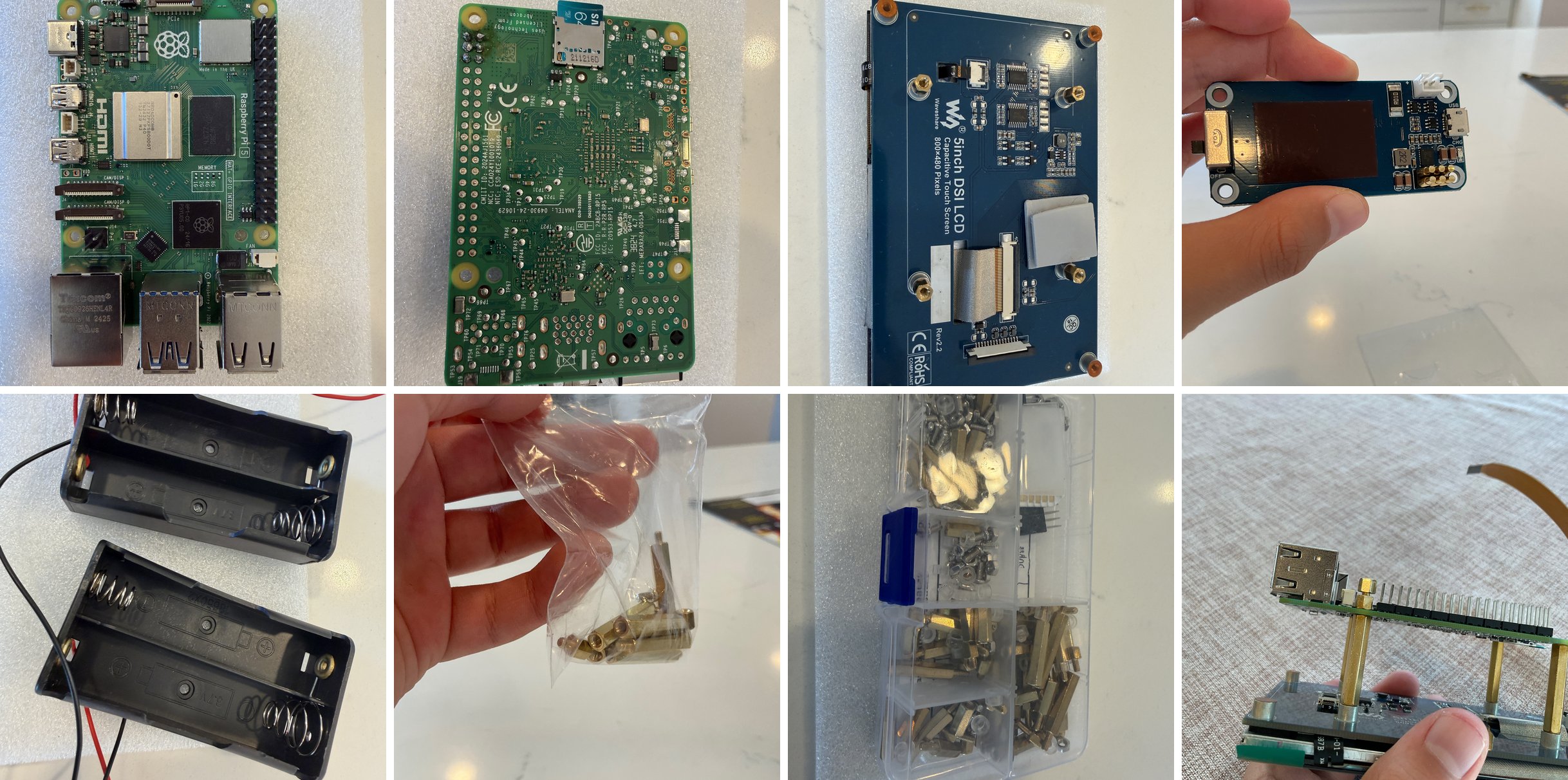
Sourcing parts

Before building anything, I researched what the project needed, compared the features and prices of each part online, and ordered everything myself. Every time a package arrived at home, I was excited to open it and see the next piece of the project. I learned that I had to think about much more than I first expected, down to the smallest parts.

Step 2Components

Component library

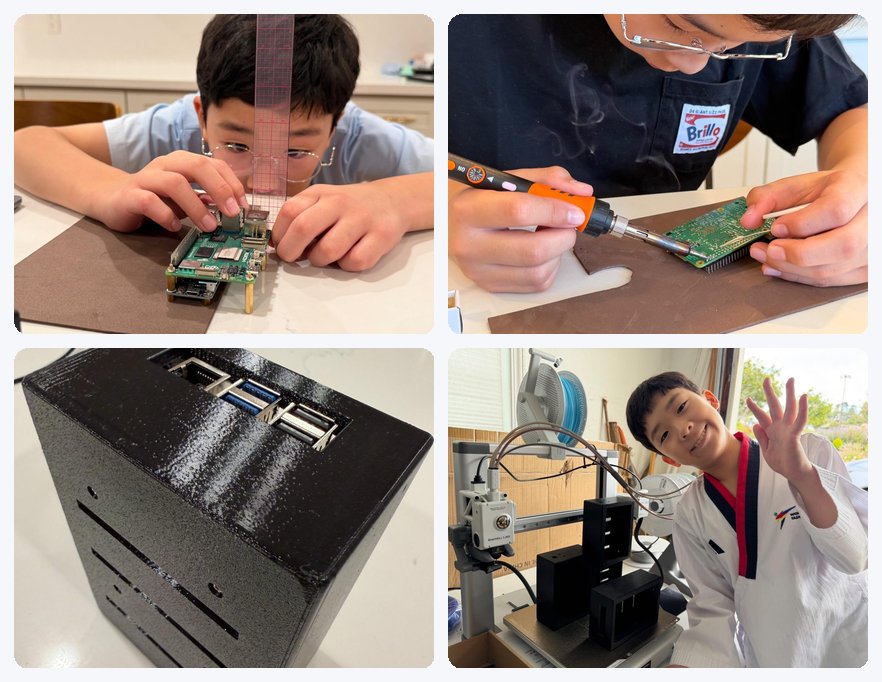
I am building a component library that brings the real dimensions of electrical and mechanical parts into the CAD software, so they can be placed directly into 3D designs. Each time I added a new part or adjusted where the parts connect, I had to redesign and reprint the case. The bottom-right photo in the collage shows all the cases I printed along the way, stacked in front of my 3D printer. This taught me that creating something new means going through many rounds of trial and error.

Measuring, soldering, the 3D-printed case, and the 3D printer
Soldering the circuit board
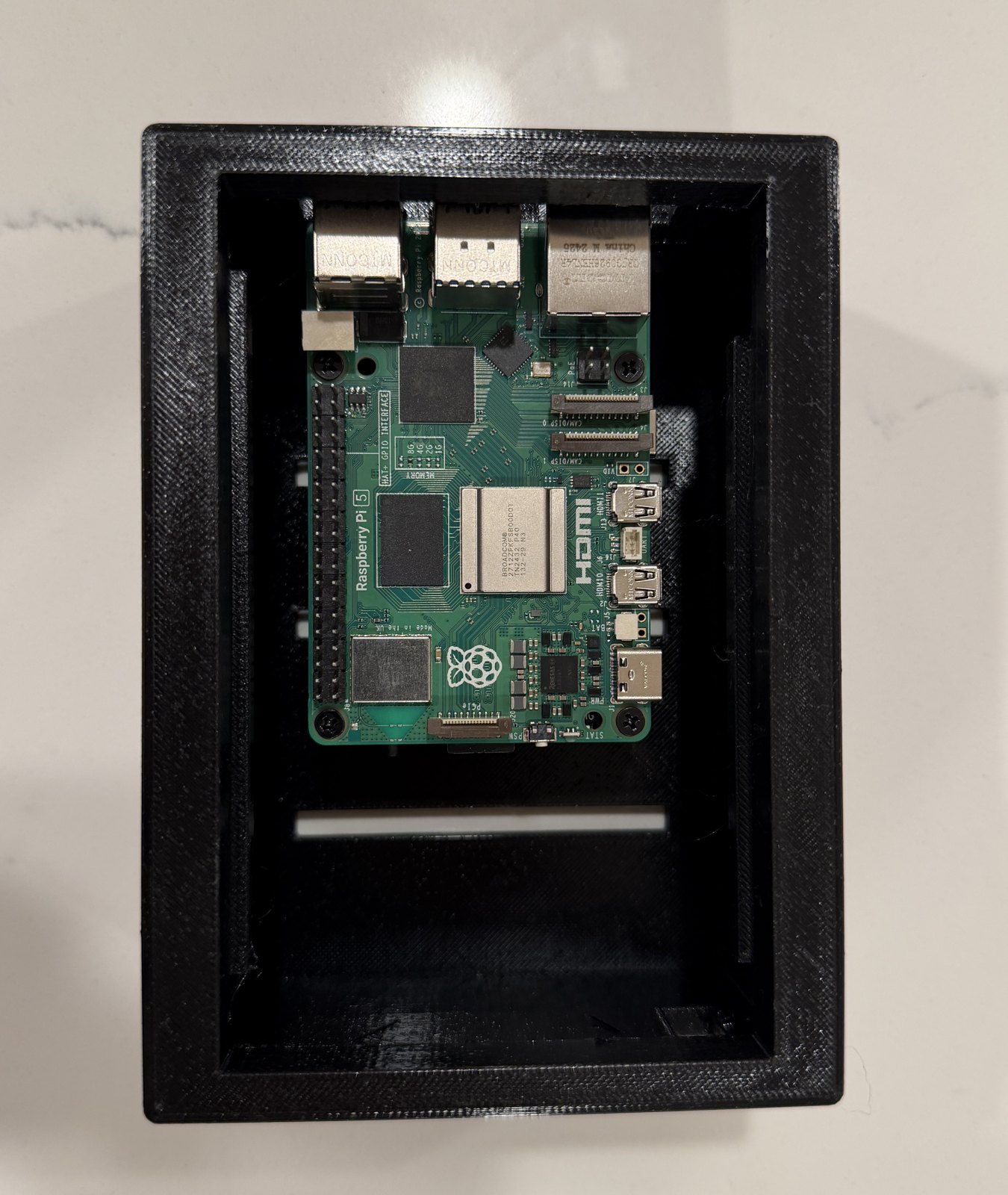
Raspberry Pi 5 inside the 3D-printed case
Pi 5 in the printed case
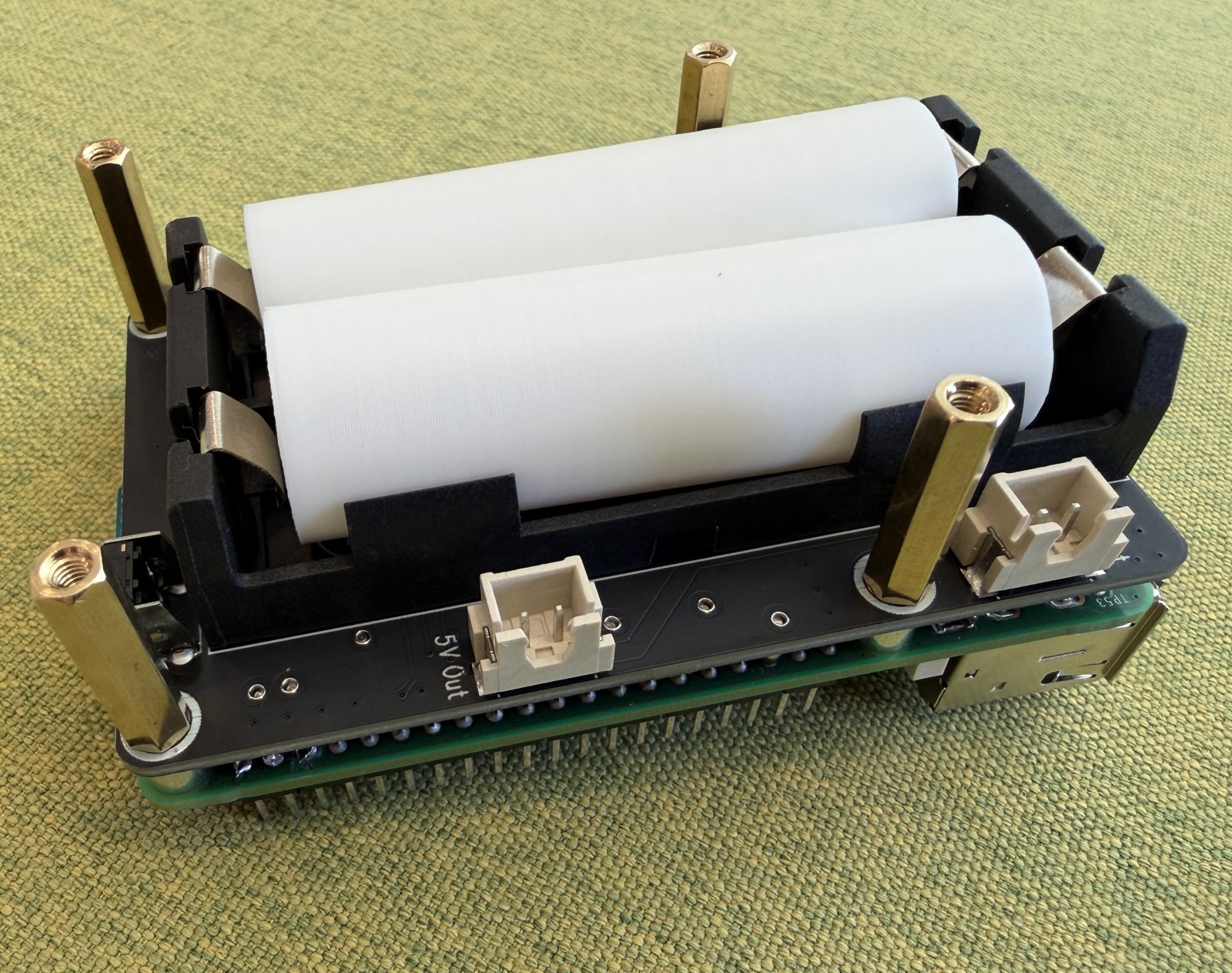
Battery board stacked on the Raspberry Pi 5
Battery board on the Pi
Step 3Software

3D graphing and design software

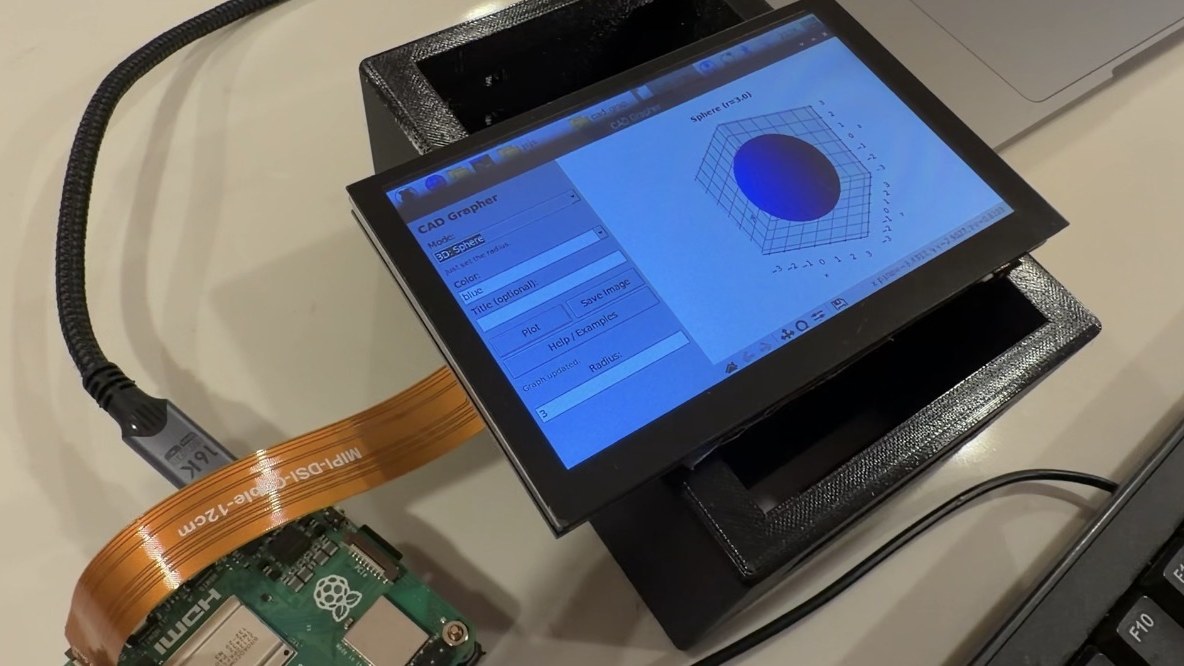
I started by building software that graphs math equations in 3D on the Raspberry Pi 5. This step taught me the coding process and how to send data between my laptop and the Pi.

3D graphing software running on the touchscreen
3D graphing on the Pi, and testing it on my laptop · Jun. 2026

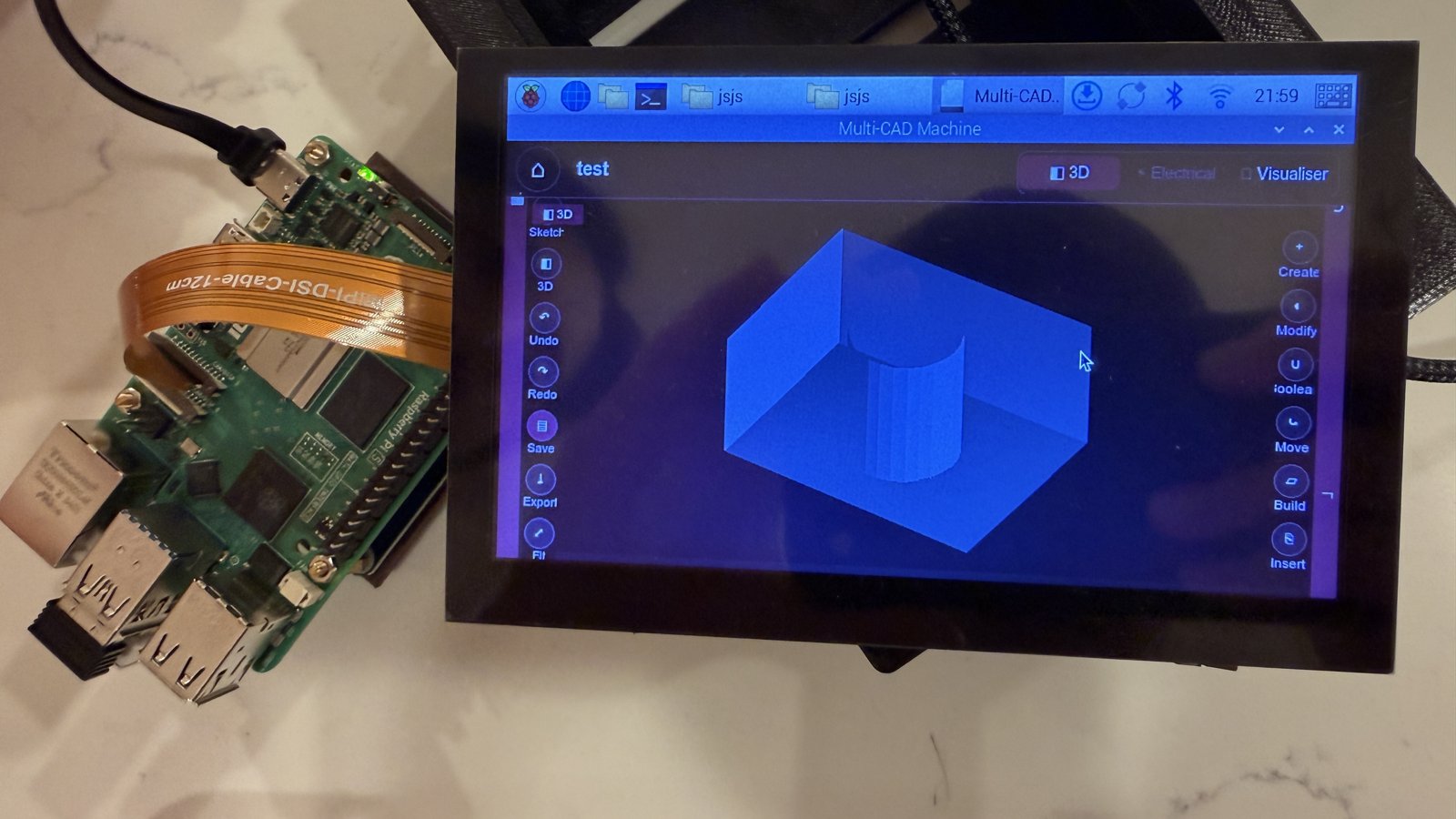
Next, I built design software for creating 3D models and exporting them as STL and other file types. I successfully printed an object designed with it on the Raspberry Pi 5.

The 3D design software on the touchscreen
Designing a 3D model on the Multi-CAD Machine · Jul. 2026
Step 4Prototyping

Prototyping and 3D printing

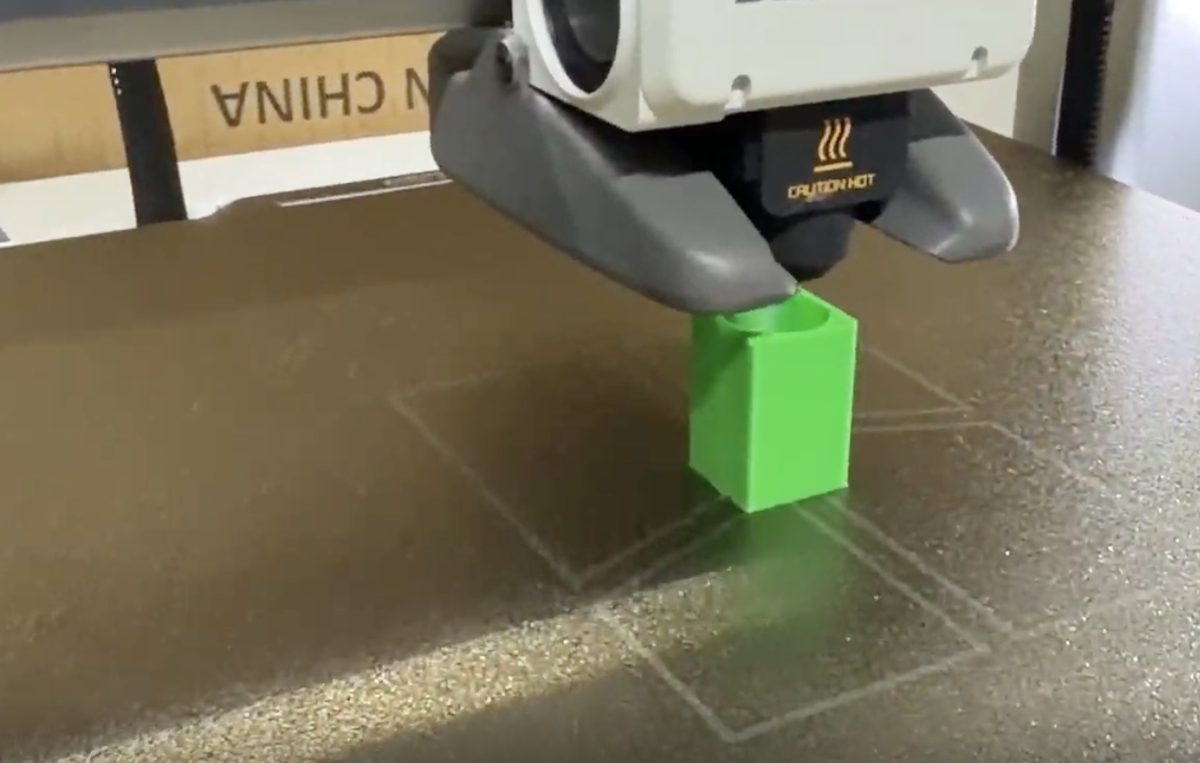
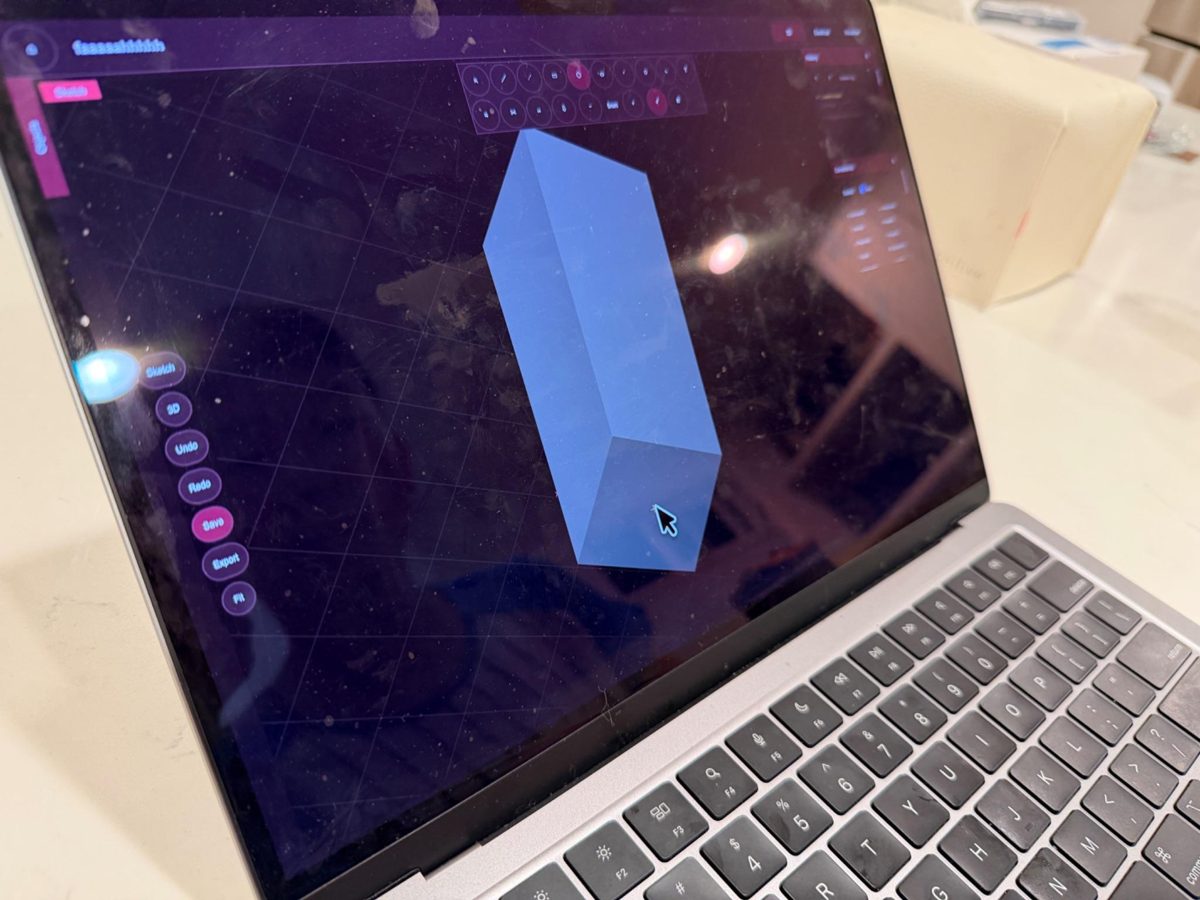
I set up a virtual environment on my MacBook to test the program before moving it to the Raspberry Pi, which runs Linux. Then, using my Multi-CAD Machine, I designed a rectangular prism with a cylindrical hole and printed it. In my test, the print came out with finer detail than the same shape made with commercial CAD software, and its surfaces were smoother and more natural.

The printed rectangular prism with a cylindrical holeThe program simulated on a MacBook
NextIn progress

Multi-CAD system

I am now combining the software and hardware into a full Multi-CAD system. It will design 3D-printable models, bring in electrical and mechanical components, and simulate how they behave in a working prototype, including their size and how the electrical parts function.